
How To Favorite And Share Your Photos
Favorite photos to save them, and share your gallery or individual images with friends and family.
Quick Answer
Hover over a photo, or tap it on a phone, and choose the heart to favorite it. Choose Share Gallery in the toolbar to share the whole collection, or use the share button on a single photo.
- Favorites in your gallery
- Share gallery or photo
Your gallery site lets you save your favorite images and share them with others. You can also rate photos to help us know which ones you love most.
Step 1
Favorite A Photo
Hover over a photo on your computer or tap it on a phone. Choose the heart icon to add it to My Favorites. You can also use the stars below the image to rate it from 1 to 5.
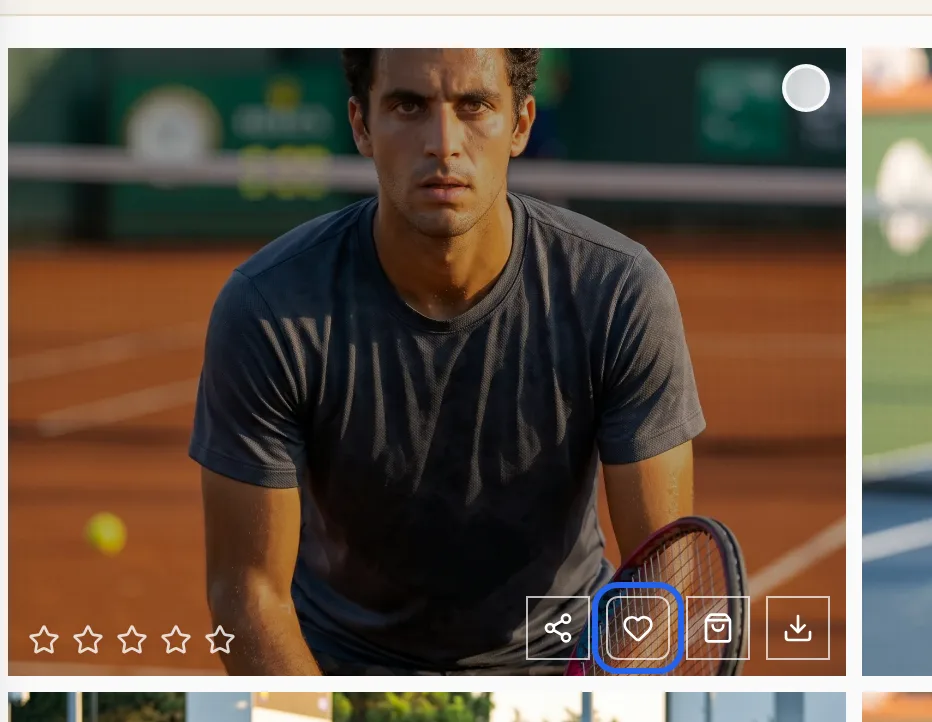
Step 2
Share Your Gallery Or A Single Photo
Choose Share Gallery in the toolbar to share the entire collection. Each individual photo also has its own share button for quick sharing.
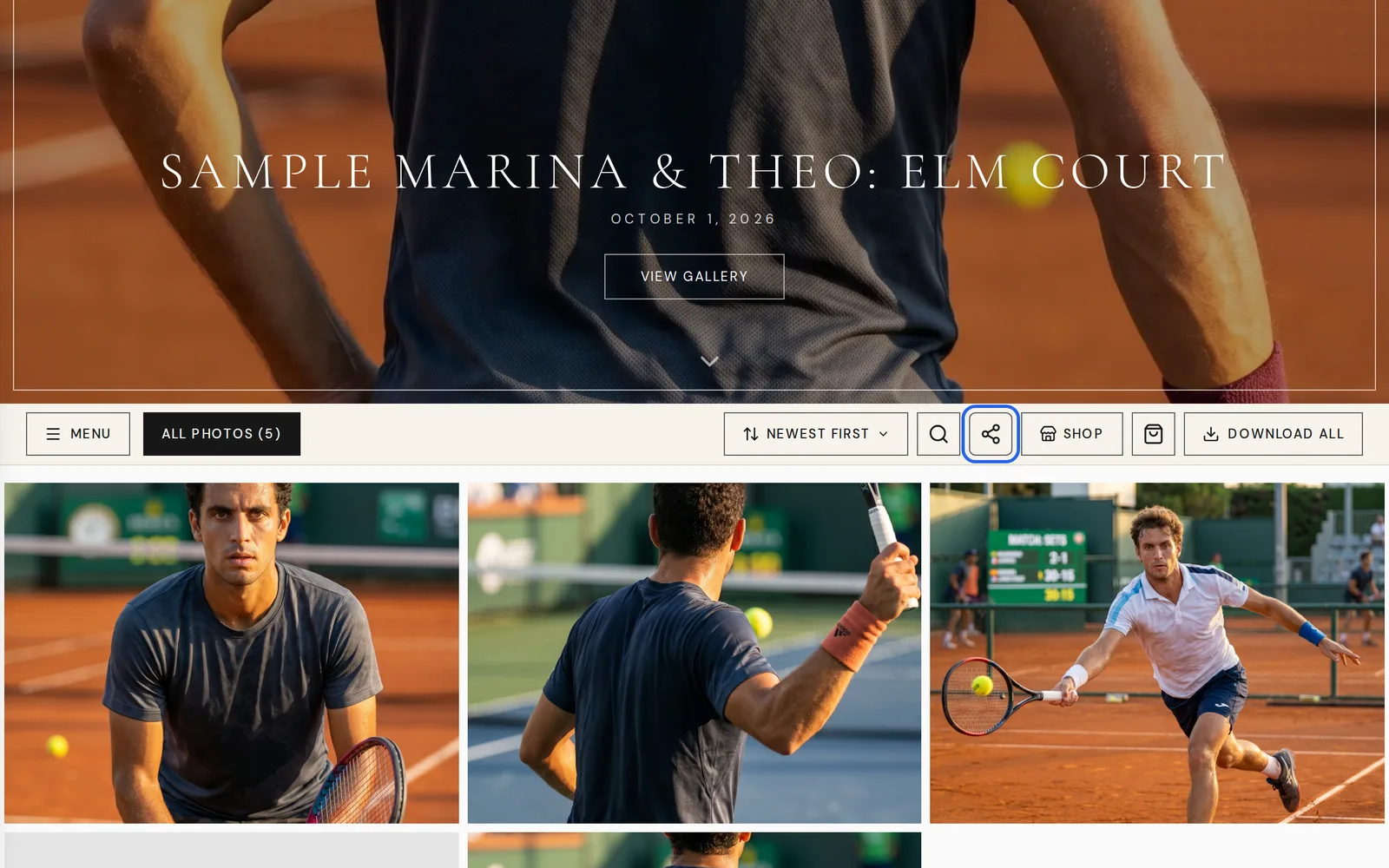
Good To Know
- The gallery prompts: "Enter your email to save your favorites and ratings. We'll remember your selections when you return."
- Each photo also has buttons to order a print and to download. See How To View And Download Your Photos.
- The gallery notes that photos are watermarked until approved. Your portal asks you to sign the Photography & Videography Release to download full-resolution photos.
If Something Looks Different
- A password prompt that says "Enter the password to view this gallery." If you do not have the password, the prompt says to contact the photographer.
- A message that says "Instagram doesn't support web sharing. Download and upload manually."
- Open Galleries in your portal once delivery is complete.
Frequently Asked Questions
Can I rate my photos?
Yes. Use the stars below each photo to rate it from 1 to 5.
How do I share the whole gallery?
Choose Share Gallery in the toolbar or use the share button on an individual photo.
Why does the gallery ask for my email?
The gallery asks you to enter your email to save your favorites and ratings. It remembers your selections when you return.
Where do I see the photos I favorited?
Choose My Favorites in the gallery to see every photo you have favorited.
Can I share a photo straight to Instagram?
Instagram does not support web sharing. Download the photo and upload it manually.
Still Need Help?
Message us from your client portal or email support@candidstudios.net.
Contact UsRelated Articles
- How To View And Download Your PhotosOpen your gallery from the client portal, then download every photo at once or save your favorites one by one.
- How To Invite Your Partner To Your Client PortalGive your partner their own access to your event so you can plan together.
- How Photo And Film Delivery WorksHow long editing takes, where your photos, film and RAW files appear, and why you sign a release before downloading full-resolution photos.
Last updated 2 min read